All orders can be cancelled until they are shipped. If your order has been paid and you need to make a change or cancel an order, you must contact us within 12 hours. Once the packaging and shipping process has started, it can no longer be cancelled.
Your satisfaction is our #1 priority. Therefore, you can request a refund or reshipment for ordered products if:
We do not issue the refund if:
*You can submit refund requests within 15 days after the guaranteed period for delivery (45 days) has expired. You can do it by sending a message on Contact Us page
If you are approved for a refund, then your refund will be processed, and a credit will automatically be applied to your credit card or original method of payment, within 14 days.
If for any reason you would like to exchange your product, perhaps for a different size in clothing. You must contact us first and we will guide you through the steps.
Please do not send your purchase back to us unless we authorise you to do so.
Due to the nature of digital goods, all sales are considered final and non-refundable once the product has been downloaded or accessed.
If you experience any issues with your purchase – such as file errors, access problems, or missing content – please reach out to our contact us form. We’ll do our best to resolve the issue quickly and ensure you receive everything as promised.
Exceptions (At Our Discretion)
We may consider a refund in limited cases, such as:
To request a refund under these conditions, please contact us within 3 days of your purchase with your order number and a brief explanation of the issue.
Your purchase will be available to download once payment is confirmed.
Instant download items don’t accept returns, exchanges or cancellations. Please contact us if you have any problems



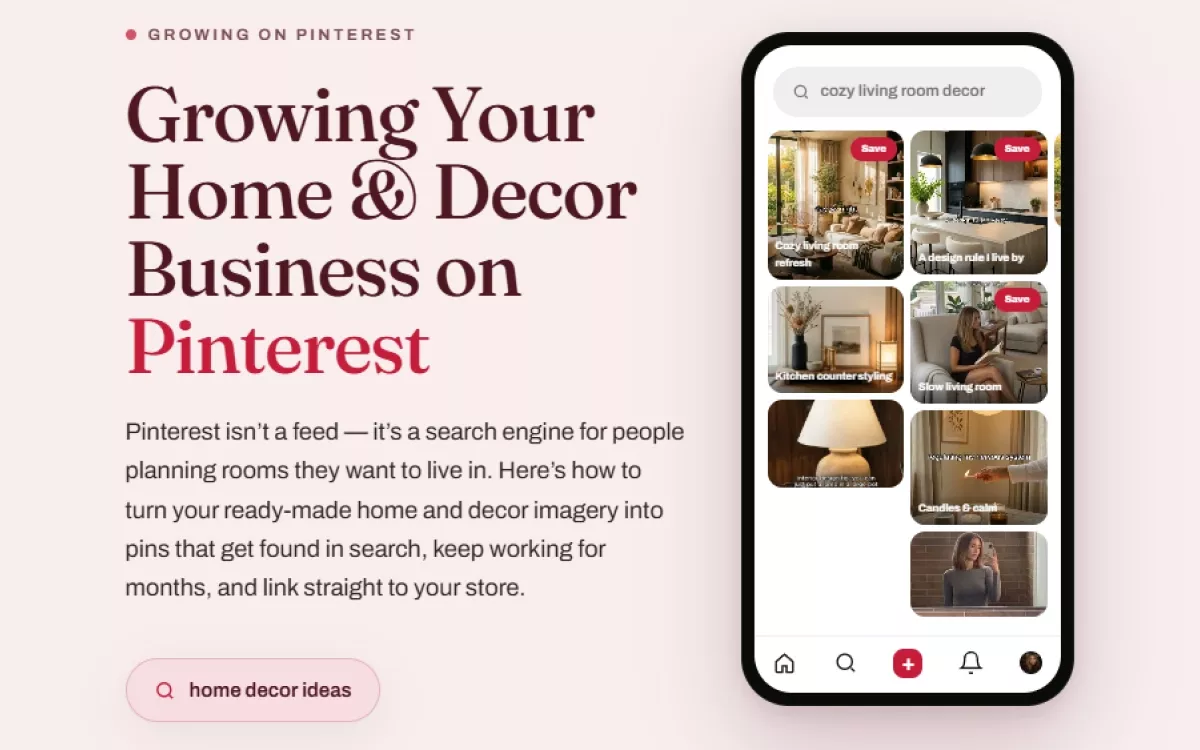
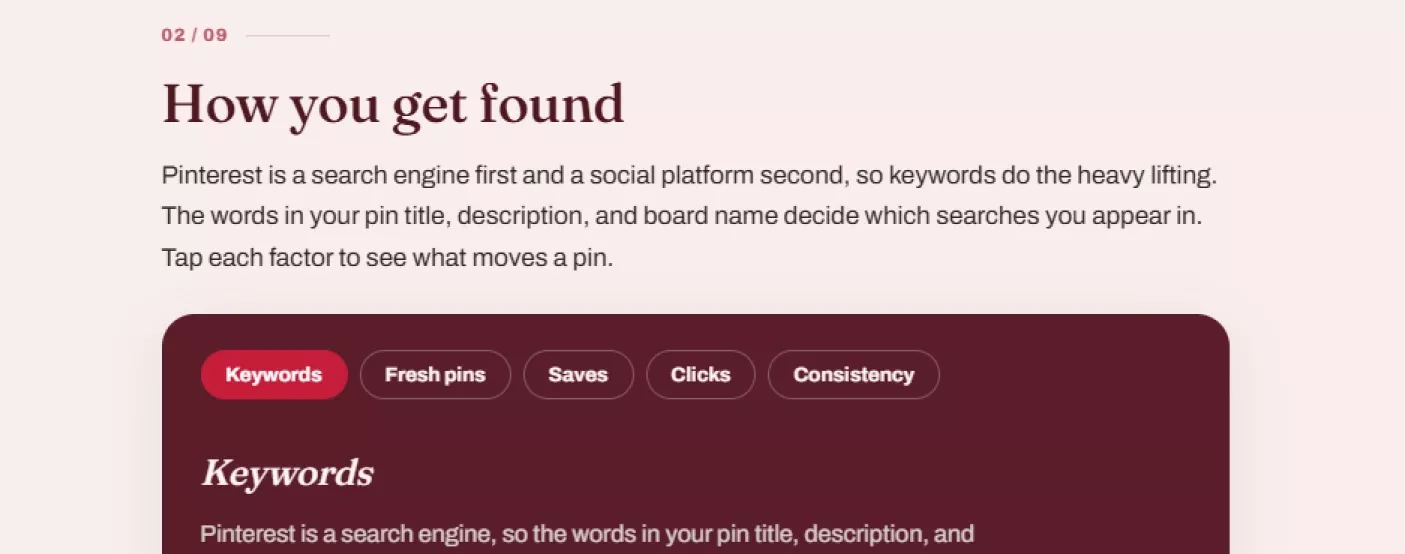








The search-engine-not-a-feed framing genuinely changed how I write pin titles now, real search phrases instead of clever captions.
The value-versus-product pin split kept my boards from feeling like a wall of ads.
Typing phrases into Pinterest's own search bar to find real keywords is such a simple, effective trick I hadn't thought to try.
The board-naming advice, Living Room Ideas instead of something clever, made my whole profile instantly more discoverable.
Solid guide, though I wish the product-pin section had a worked example of a strong call-to-action overlay.
The five-move quick start got my first week of pins live faster than any other guide I've used.
Clear and actionable from page one.
🏠📌
The don't-repeat-the-same-link-same-day rule genuinely kept my account clear of any spam flags.
I'd been treating Pinterest like just another social feed for months, posting sporadically and wondering why nothing stuck. This guide's framing of it as a search engine first completely changed my approach, the keyword research tip of typing phrases into Pinterest's own search bar and reading the suggestions gave me real, searchable language instead of guessing at captions. The evergreen-edge chapter also reframed how I think about effort, a pin surfacing for months instead of fading after a day means every single pin I add compounds into something bigger.
The fresh-pins-not-re-pins rule explained exactly why my repeated images had stopped performing.
Good structure, though I wish the boards section gave a specific number of boards to start with.
The vertical 2:3 ratio requirement saved me from wasting effort on pins that would have gotten limited reach.
The signals breakdown, keywords, fresh pins, saves, clicks, consistency, genuinely changed how I read my own analytics.
Set up my first five boards exactly as the quick start suggests and saw genuine traction within the first week.
Clean, practical, exactly as described.
🏠✨
The hashtags-barely-matter note saved me time I used to waste tagging every post.
What sold me on this guide wasn't any single tip but how clearly it explains why Pinterest behaves differently from every other platform. A pin linking straight to a chosen page instead of a single bio link, and staying alive in search for months instead of hours, meant my whole content strategy needed to change, and this guide told me exactly how. The steady-rhythm chapter's advice to schedule ahead in one sitting also fit my actual weekly capacity much better than daily posting ever did.
Straightforward to apply, no confusion about what to pin where.
The watch-which-keywords-earn-saves advice has become my main strategy for planning new pins now.
Good guide, three stars because the staying-safe section didn't cover copyright specifically for room photography.
Following the protect-private-details rule about room tours kept me from accidentally showing mail or addresses in a recent pin.
Thorough, well organized, no wasted sections.
🕯️📌